🛡 Shipping Magento modules since 2019. 30-day refund, no forms.Browse modules
Adds smart 'View Other Options / Finishes / Sizes' buttons to product pages that send shoppers straight to the matching variant products — manual, visual builder, bulk CSV or fully automatic.
Source code
Shipped on day one
30-day refund
No forms, no questions
Overview
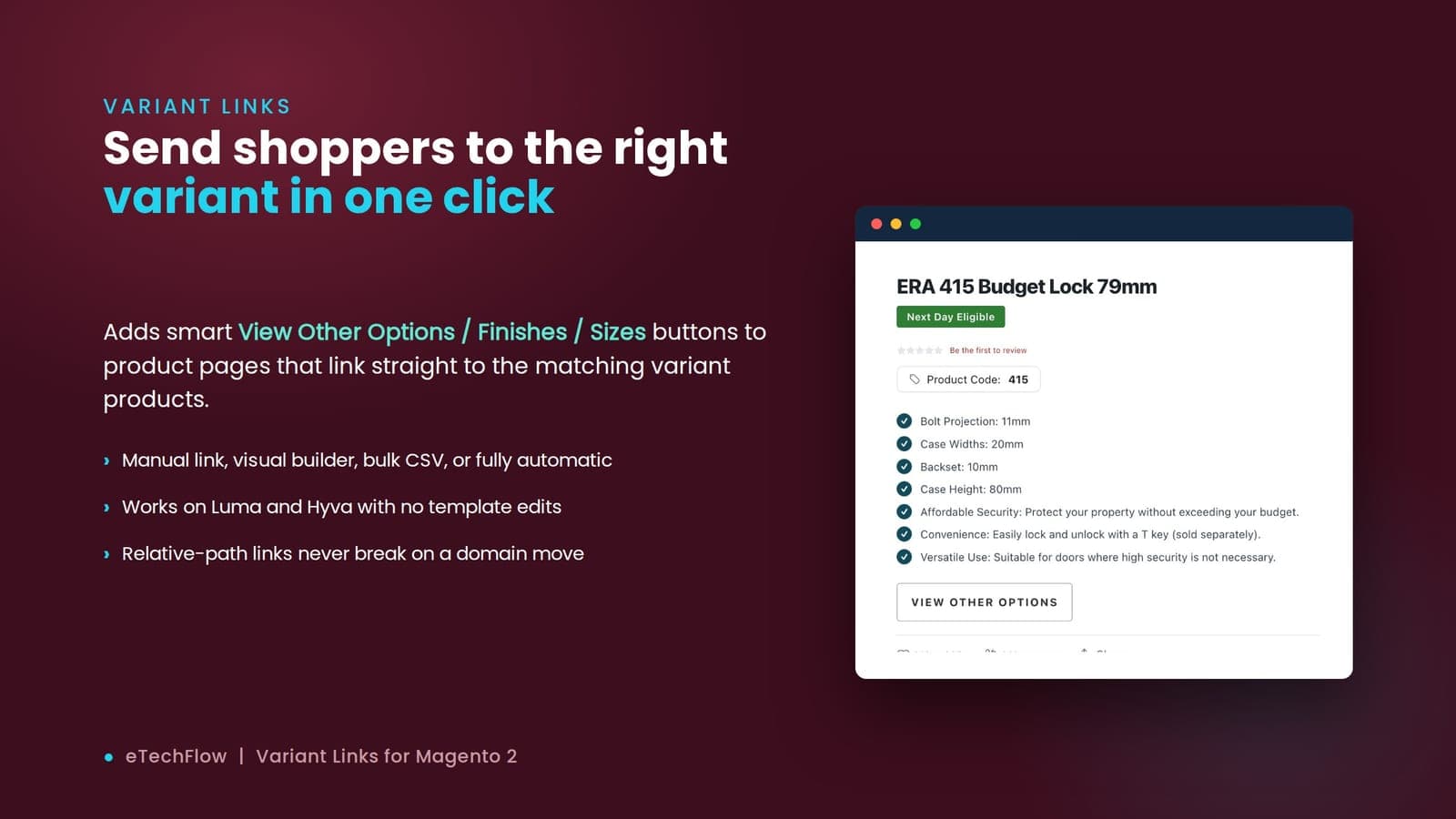
ETechFlow Variant Links solves a common catalog problem: the "same" product often exists as several separate products — the same bag in three colours, the same key blank for five car makes, the same lock in four sizes — and shoppers landing on one have no easy way to discover the others. Variant Links adds a row of **"View Other Options / Finishes / Sizes"** buttons to the product page that link straight to a filtered listing of the matching variant products.
There are **four ways to set a link**: a point-and-click visual builder (pick a target category and up to five attribute filters, no URLs), a simple relative-link field, a **bulk CSV import** keyed by SKU with a dry-run preview, or fully **automatic generation** that builds the link on the fly from the product's own category and attributes — manual links always take priority.
It's **theme-agnostic** — hooks the shared catalog output helper so it runs on Luma and Hyvä with zero template edits — and **migration-safe**: links store only the relative path and add the domain at render, so they survive a store move. It can also strip old hand-coded "View Other" buttons from descriptions as they render (fully reversible), and ships CLI commands for automation.
Features
Every capability earns its place — built to solve a real merchant problem, not pad a feature list.
Adds 'View Other Options / Finishes / Sizes' buttons to product pages that send shoppers straight to the matching variant products, so they find the colour, finish or size they want.
Pick a target category and up to five attribute = value filters from dropdowns on the product page — the builder assembles the correct filtered-category URL for you, no URLs to type.
Bundle & save
Pick a combo deal with 10% off
View all bundlesYou save 19.8 UK£ buying these together.
A full step-by-step guide — installation, admin configuration and every option, with screenshots. Read it before you buy to see precisely what you're getting, and keep it on hand after.
Compatibility
| Platform | Versions | Other | Status |
|---|
Why this module not the other one
Every module on this marketplace is maintained by the engineers who wrote it. Reply to a support email and you get a code answer, not a chatbot.
30-day refund
Email refunds@etechflow.com with the order ID. No forms, no required justification.
Engineer support
Reply to the delivery email. A member of our team responds within one business day. No ticket-queue first-line.
12 months of updates
All updates included for 12 months. After year one, renew at half price or keep the version you have.
Source code shipped
Full source code on every purchase. Audit it, patch it, fork it. No encrypted binaries.
Custom work
We do paid customisation on every module in the marketplace. Tell us what you need and we'll quote within one business day. No sales call. No "let's schedule a discovery."
One-time price. 1 year of updates and priority support. 30-day money-back guarantee.
Works with



Any product with no manual link auto-builds one from its own category and attributes (manufacturer + finish/size), so hundreds of products get cross-links with zero per-product setup.
Set the View Other links across your whole catalogue from a CSV keyed by SKU, with a dry-run preview before anything saves and CLI commands for automation and migration.
Hooks the shared catalog output helper, so it renders on both Luma and Hyvä with no template changes — and can strip legacy hand-coded buttons from descriptions, reversibly.
Stores only the relative path and adds the domain at render time, so your cross-links survive a domain change or store migration instead of breaking.
Variant Links — setup guide
Step-by-step install & admin configuration, fully illustrated.
Open guideLet customers subscribe to out-of-stock products and get emailed when stock returns.
Write a review
Only verified buyers can review modules. Log in with the account you used to purchase, and the form will appear here.